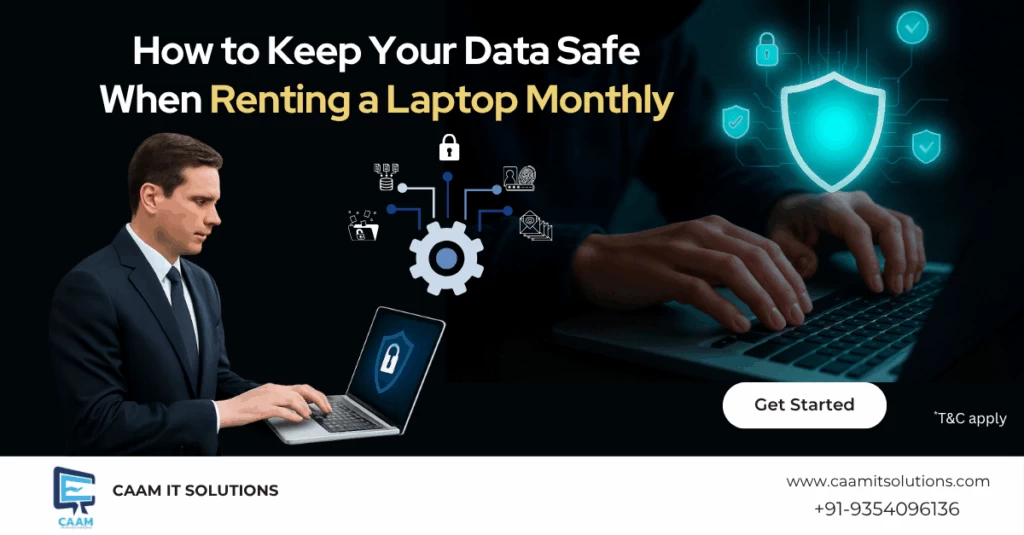
At Caam IT Solutions, we’ve worked with thousands of students, working professionals, business owners, and event teams who rent laptops for short or long-term use. One common concern we hear from our customers is about data safety, and rightly so. When you’re using a laptop on rent or renting a laptop monthly, it’s essential to know how to protect your files, passwords, and privacy.
Whether you’re going for a monthly laptop rental for work, studies, or events, here are some practical tips and personal insights to help you stay secure.
(Using laptop on rent safely is important for every user.)
1. Start With a Fresh System
Whenever we hand over a laptop to a customer, we ensure the system is clean, meaning it has no leftover files or settings from the previous user. However, we always recommend double-checking this as soon as you receive the laptop.
Tip:
Perform a full reset or ask us to do it for you before using the system. This ensures there are no old apps, malware, or tracking software in the background.
2. Use Strong Passwords and Enable Two-Step Verification
You might be renting the hardware, but the work you do on it—emails, photos, projects, passwords—is all yours. One of the best habits you can develop is using strong, unique passwords for each account and enabling two-factor authentication where possible.
Personal Note:
One of our long-term clients, a freelance designer, once lost access to her email because her saved passwords were exposed through a third-party app. Since then, she has switched to a password manager and always enables two-factor authentication. No issues since.
3. Don’t Store Important Files Only on the Laptop
If you’re using a laptop on rent for a month or more, chances are you’ll have files building up—assignments, work documents, or photos. Always back them up somewhere else. It could be cloud storage, a USB drive, or an external hard drive.
Why it helps:
If the laptop stops working, gets stolen, or is returned accidentally without a backup, your data will be lost. We always remind our customers: don’t treat the rented laptop like permanent storage.
4. Avoid Public Wi-Fi or Use a VPN
Using public Wi-Fi at cafes or libraries can be risky, especially when handling work emails, bank logins, or personal information. Hackers love unsecured networks.
What you can do:
Either use your phone’s hotspot or install a trusted VPN service that protects your internet activity. It’s a small step that can save you from bigger problems later.
5. Update Everything Regularly
When you rent a laptop every month, it’s easy to overlook software updates. However, these updates often address critical security issues. We recommend checking for updates once a week—on Windows, browsers, and antivirus software, among others.
Real Example:
We had a customer who was working remotely on a monthly laptop rental and noticed his software crashing often. A quick update resolved the issue and closed a security gap that he had not even been aware of.
6. Log Out of All Accounts Before Returning the Laptop
It might sound simple, but you’d be surprised how many people forget to log out of their Google accounts, social media, or work platforms when returning a rented laptop.
Before you return it:
Clear your browser history, remove saved passwords, log out of all accounts, and perform a factory reset (or ask us to assist you with it). This keeps your personal information safe and ensures the following user has a clean system as well.
7. Install Antivirus Software
Even if you’re renting the laptop just for a month, we suggest installing a basic antivirus program. It protects you from malware, phishing attempts, and infected downloads.
Our take:
We offer systems with antivirus software pre-installed for more extended rental periods. But if you’re downloading files from various sources or working with sensitive data, a little protection goes a long way.
8. Rent from a Trusted Source
Not all rental services are the same. At Caam IT Solutions, we take pride in providing clean, updated, and well-maintained devices. Our team thoroughly checks every laptop before delivery, wipes it clean, and provides on-site support when needed.
If you’re considering renting a laptop from another source, inquire about their data protection policies, reset procedures, and support during your rental period. It makes a big difference.
Final Words
Renting a laptop on a monthly basis is an innovative and affordable choice—whether it’s for your business, studies, or short-term projects. But keeping your data safe should be a part of the plan from day one.
At Caam IT Solutions, we’re always here to help you with the setup, security checks, and support throughout your monthly laptop rental. If you have any questions about keeping your data safe while using a rented device, please don’t hesitate to call us. Our team will walk you through it—no jargon, just real help.
Stay secure, stay smart, and rent with confidence.

Comments: